
Danmaku and subtitles
Keep the Bilibili danmaku viewing context while selecting subtitles provided by the content source.
Bilibili on Apple TV
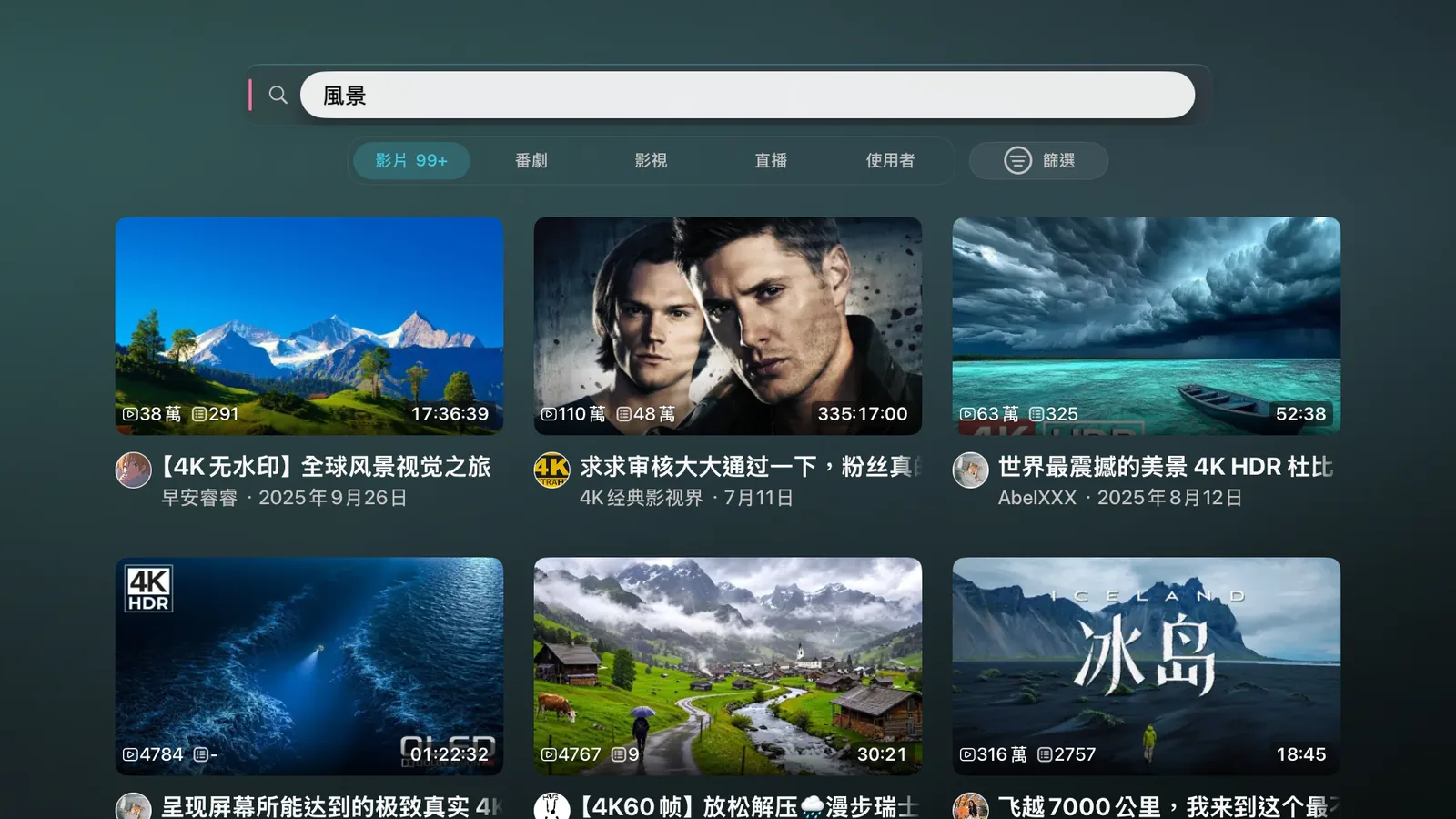
Blissy organizes Bilibili playback, danmaku (bullet comments), subtitles, speed controls, chapter / thumbnail preview, and offline viewing context around the Apple TV remote, so you do not need to AirPlay from a phone.

Blissy keeps the controls that matter on a large screen inside the player: danmaku, subtitles, speed, playback preview, and—when you need it—Multiview and offline content.
Keep the Bilibili danmaku viewing context while selecting subtitles provided by the content source.
Use chapters, thumbnails, and progress preview to get back to the moment you want instead of guessing on a timeline.
You can select up to 3×. Blissy applies the effective continuous-playback rate supported by the current Bilibili path. PiP / Multiview can swap the main and secondary positions.
Blissy’s offline workflow stores source-specific playback data and can archive available danmaku with the content so the offline experience keeps more of its original context.
Store the DASH, HLS, or single-file media resources required by the source.
Bilibili danmaku can be archived alongside offline content.
Manage how long offline content stays available and how much storage it uses.
AirPlay only mirrors pixels: no danmaku, no remote-driven browsing or quality switching, and the phone keeps draining. Blissy fetches Bilibili playback data on the Apple TV itself, so danmaku, subtitles, speed and seek preview are all controlled from the TV.
No. Blissy uses its own tvOS UI, focus navigation, and player controls. The player surfaces shown on this site come from the current Blissy project.
Blissy offers a 3.0× speed option. The effective rate depends on the content and playback path; some Bilibili continuous-playback paths are capped at 2×.
When the source and download workflow support it, Blissy manages offline playback data together with archived danmaku instead of saving only the video.
Blissy is the main tvOS app. Add Blissy Remote only when you want iPhone search, direct controls, Shortcuts, and Automation.