
Search handoff
Search from the Remote UI, App Intent, or Siri and use the same Apple TV search handoff.
Blissy Remote
Blissy Remote is an optional companion. Enter a query on iPhone or invoke search with Siri / Shortcuts, then let Apple TV show Bilibili or Douyin results. Once playback starts, common Blissy player controls can stay on the phone.
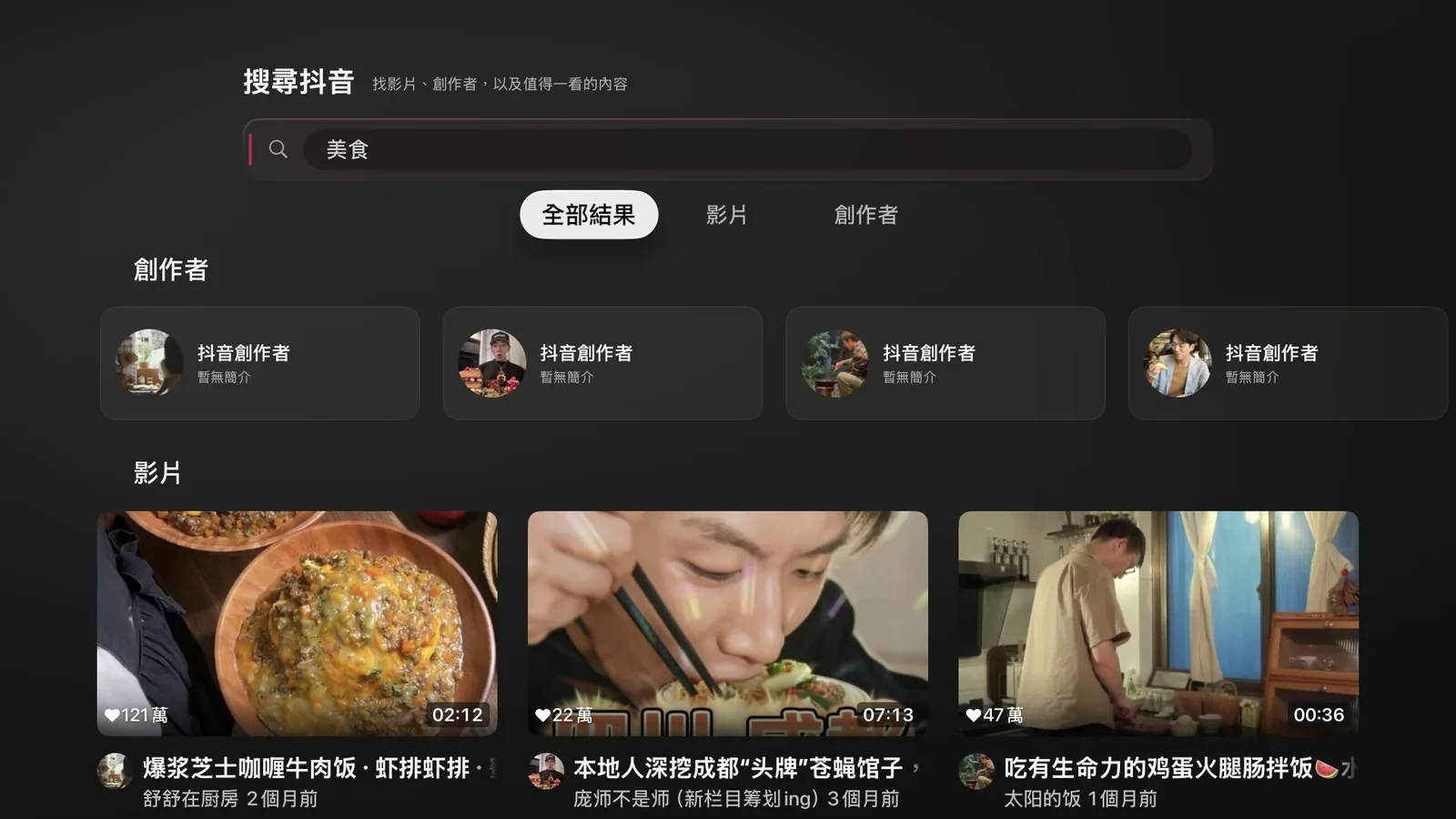
Search, text input, and complex controls are a better fit for a touch screen. Blissy Remote keeps those tasks on iPhone and hands the result back to Apple TV.
Search from the Remote UI, App Intent, or Siri and use the same Apple TV search handoff.
See a detectable Apple TV playback session on iPhone and use common playback controls.
Quality, subtitles, speed, danmaku, PiP, Live Translate, and mirroring can be controlled from the companion.
Blissy Remote Automation can treat Apple TV connection, app, playback, and Blissy Player state as events, then execute conditional sequences of actions.
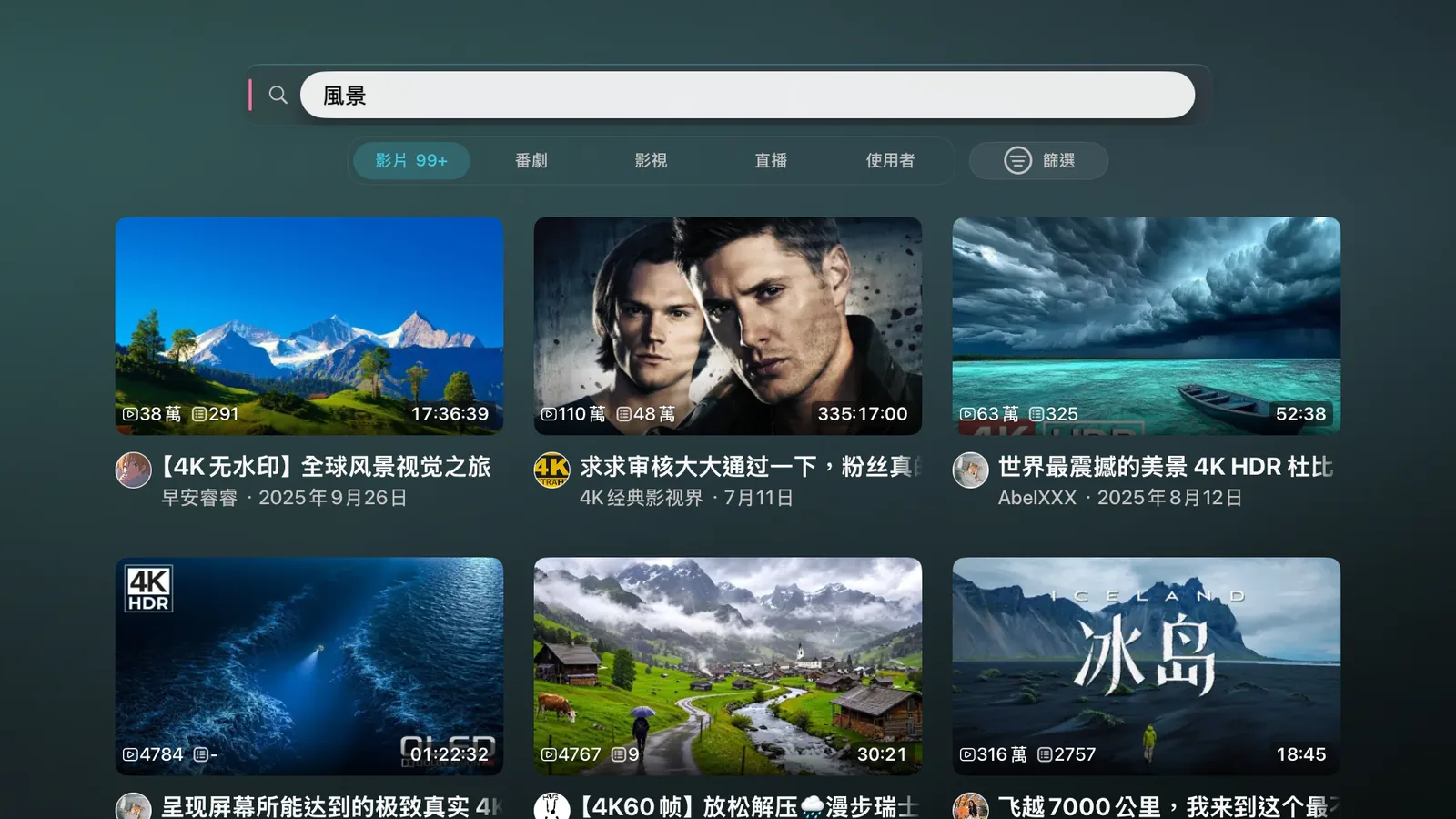
Search and other App Intents can become system-level entry points without first navigating through the Remote UI.
Blissy watch, live, search, user, queue, control, scene, auth, and related routes can participate in Remote workflows.
Trigger conditional actions from connection, app, playback, and Blissy Player state.
Yes. Blissy is the main Apple TV app and Remote is an optional companion. Blissy itself does not require the companion to operate.
No. The search App Intent shows Bilibili or Douyin search results on Apple TV; it does not choose a result and start playback automatically.
Remote also includes Apple TV remote, text-input, and playback-state capabilities. Some Blissy-specific search, control, and deep-link workflows require Blissy on Apple TV.
Blissy is the main tvOS app. Add Blissy Remote only when you want iPhone search, direct controls, Shortcuts, and Automation.